- SCSS 32.7%
- Less 32.3%
- Python 21.1%
- HTML 13.3%
- JavaScript 0.4%
- Other 0.2%
| app | ||
| babel.cfg | ||
| butter-new-portal.jpg | ||
| butter-new-portal2.jpg | ||
| butter-new-portal3.jpg | ||
| butter-new-portal4.jpg | ||
| butter-new-portal5.jpg | ||
| butter-new-portal6.jpg | ||
| butter-portal.py | ||
| change_manager.py | ||
| config.py | ||
| install_madmail.py | ||
| LICENCE | ||
| messages.pot | ||
| README.md | ||
| requirements.txt | ||


Butter Portal


This is a Flask application that serves as the primary UI for the Butter Box project. This is a from scratch reimplementation of the original UI with new enhancements and features.
Screenshots
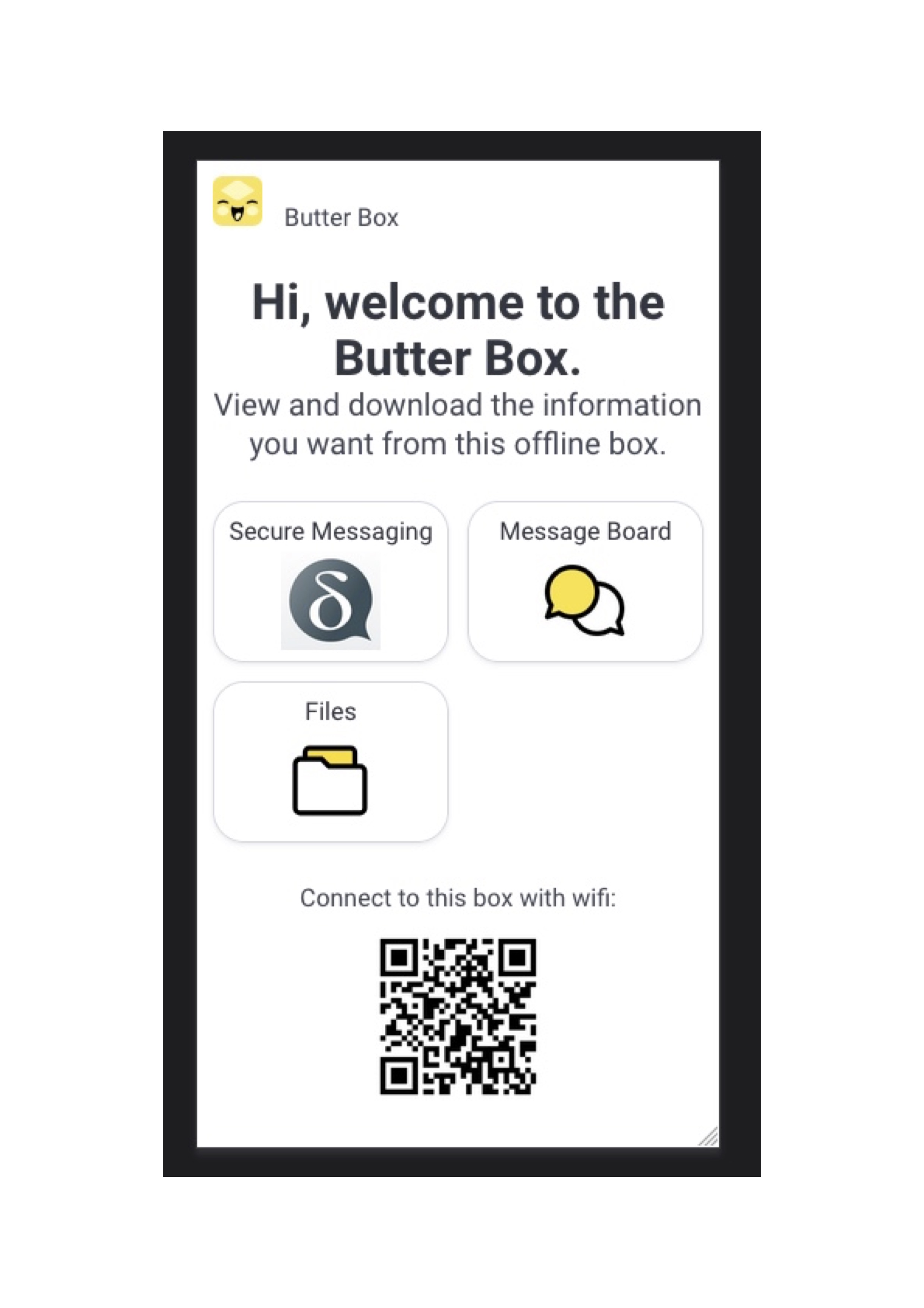
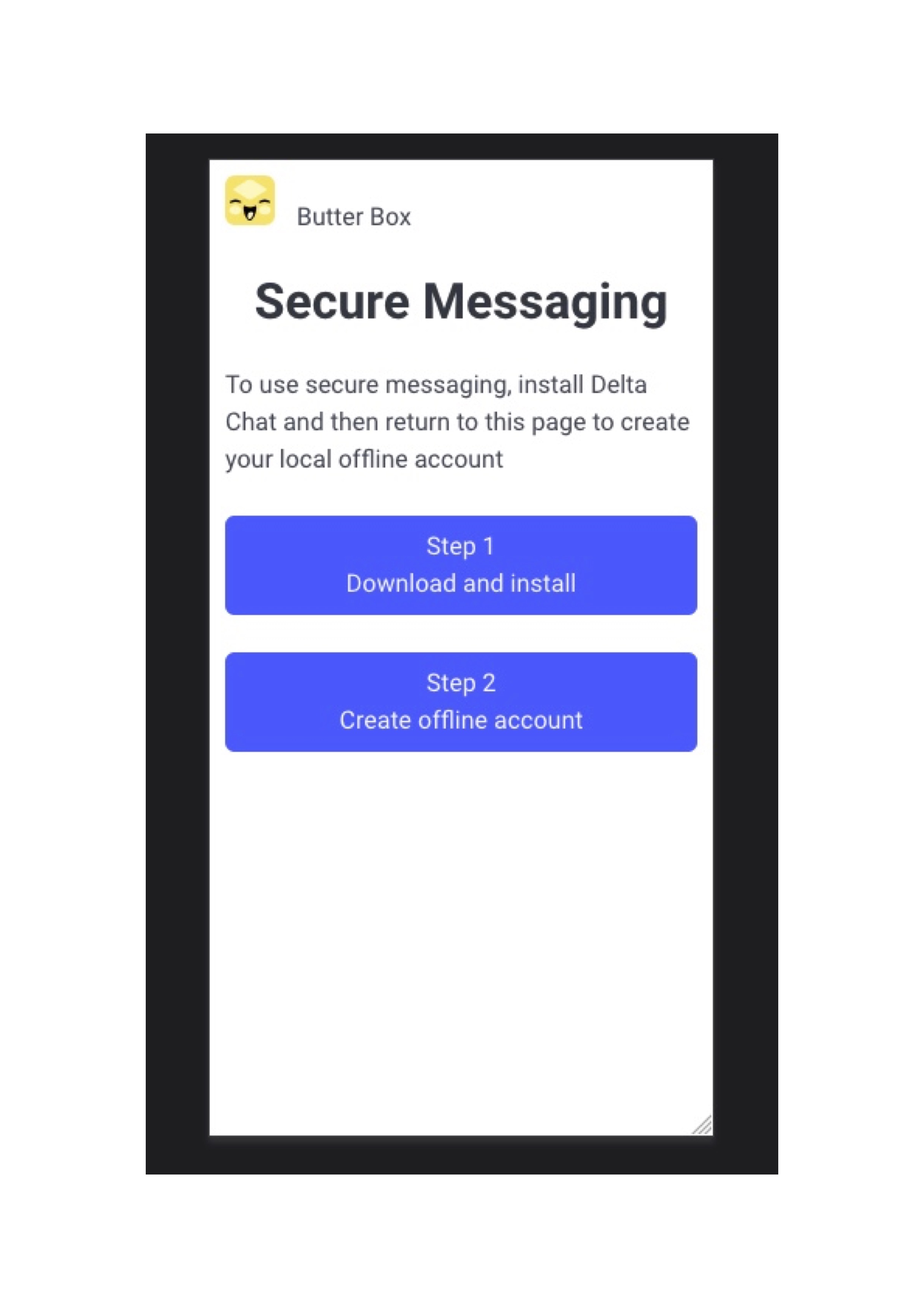
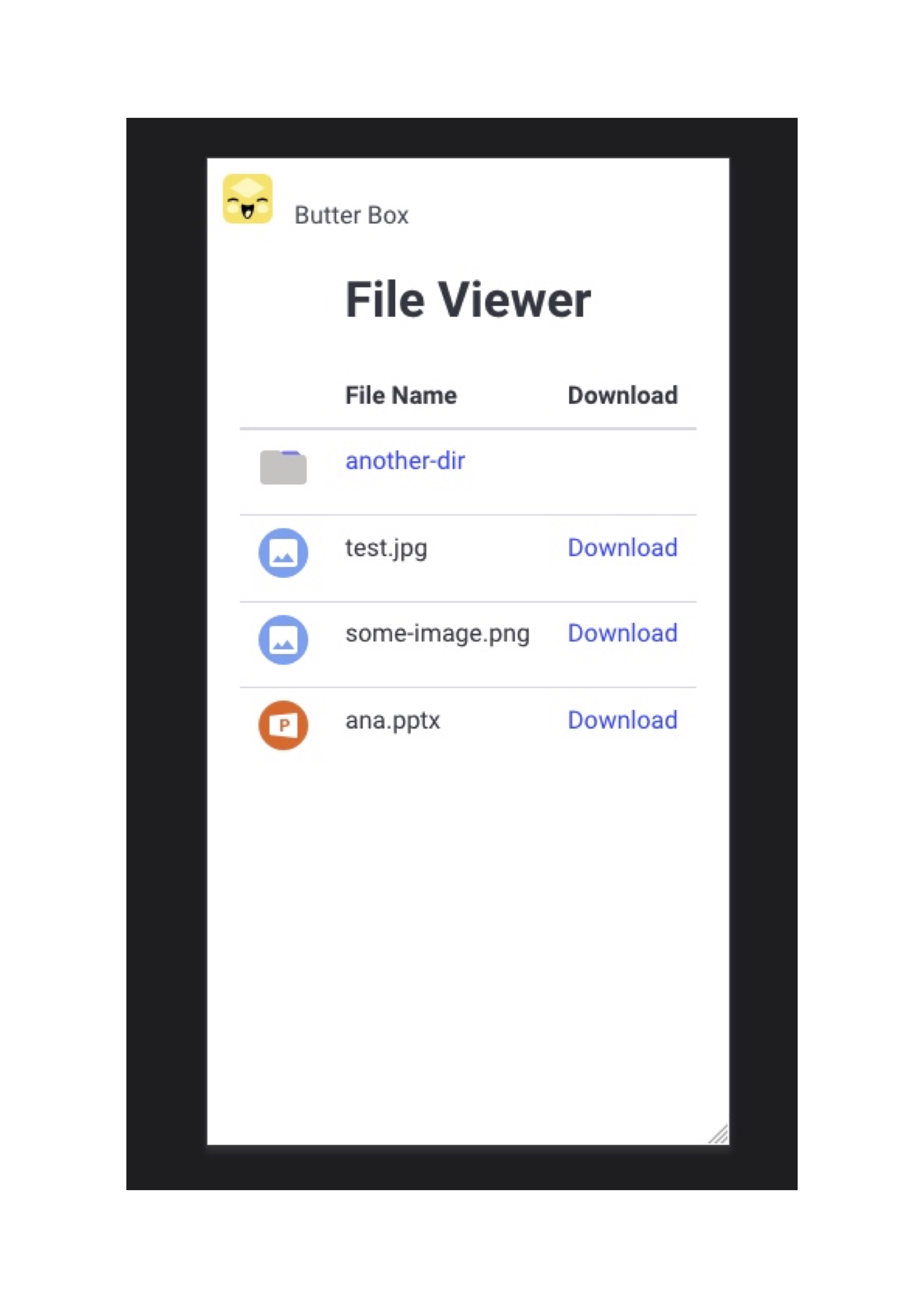
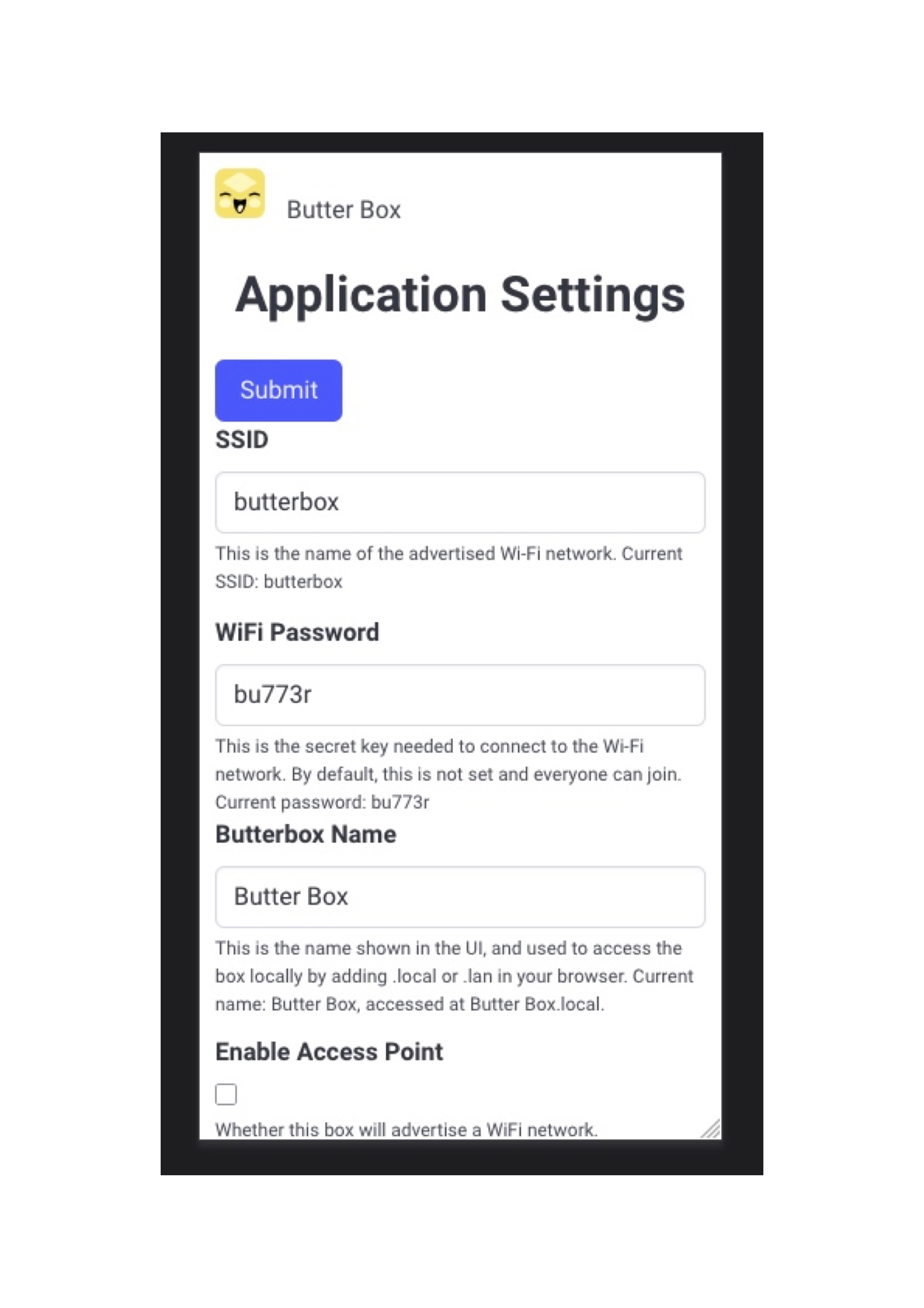
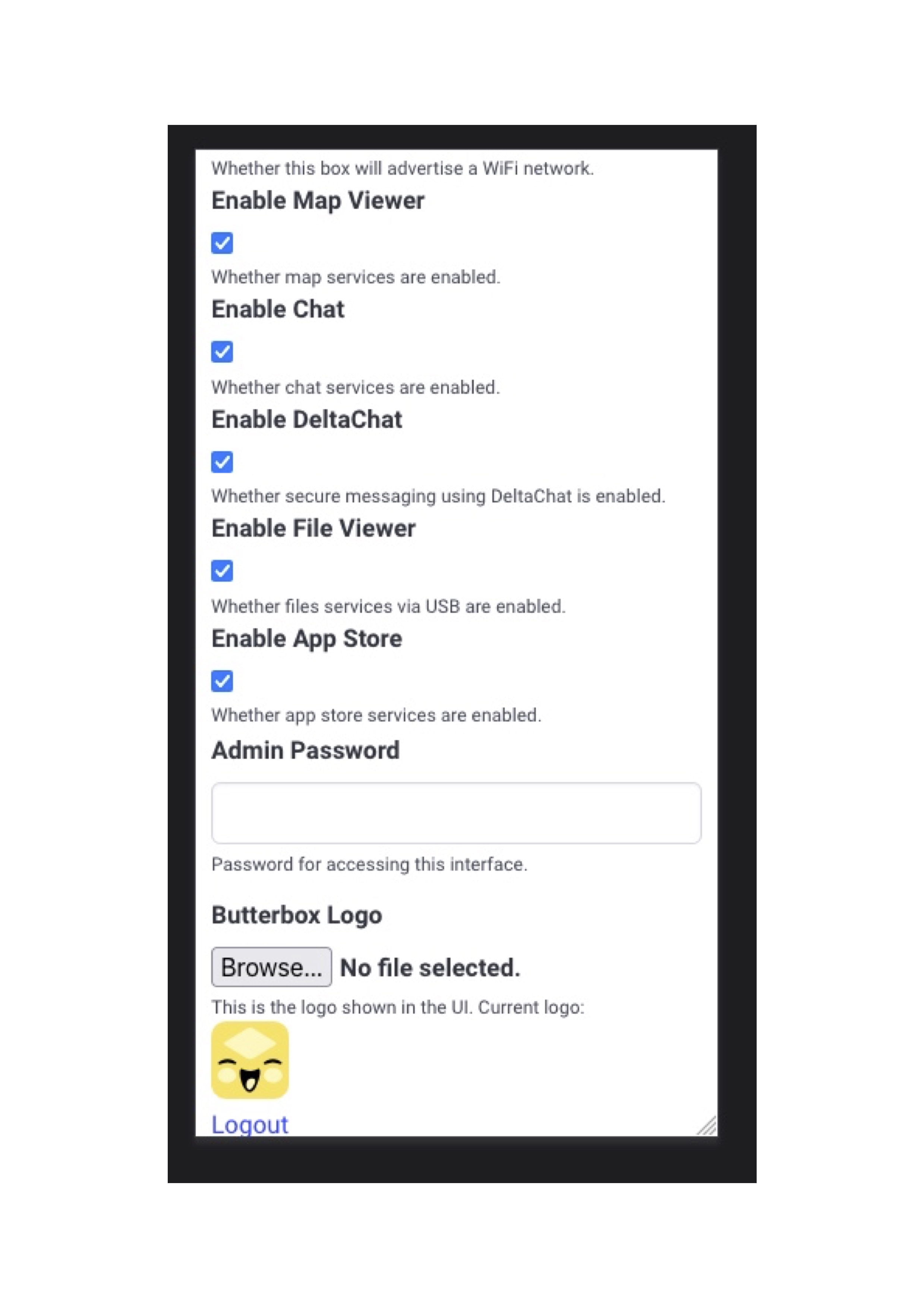
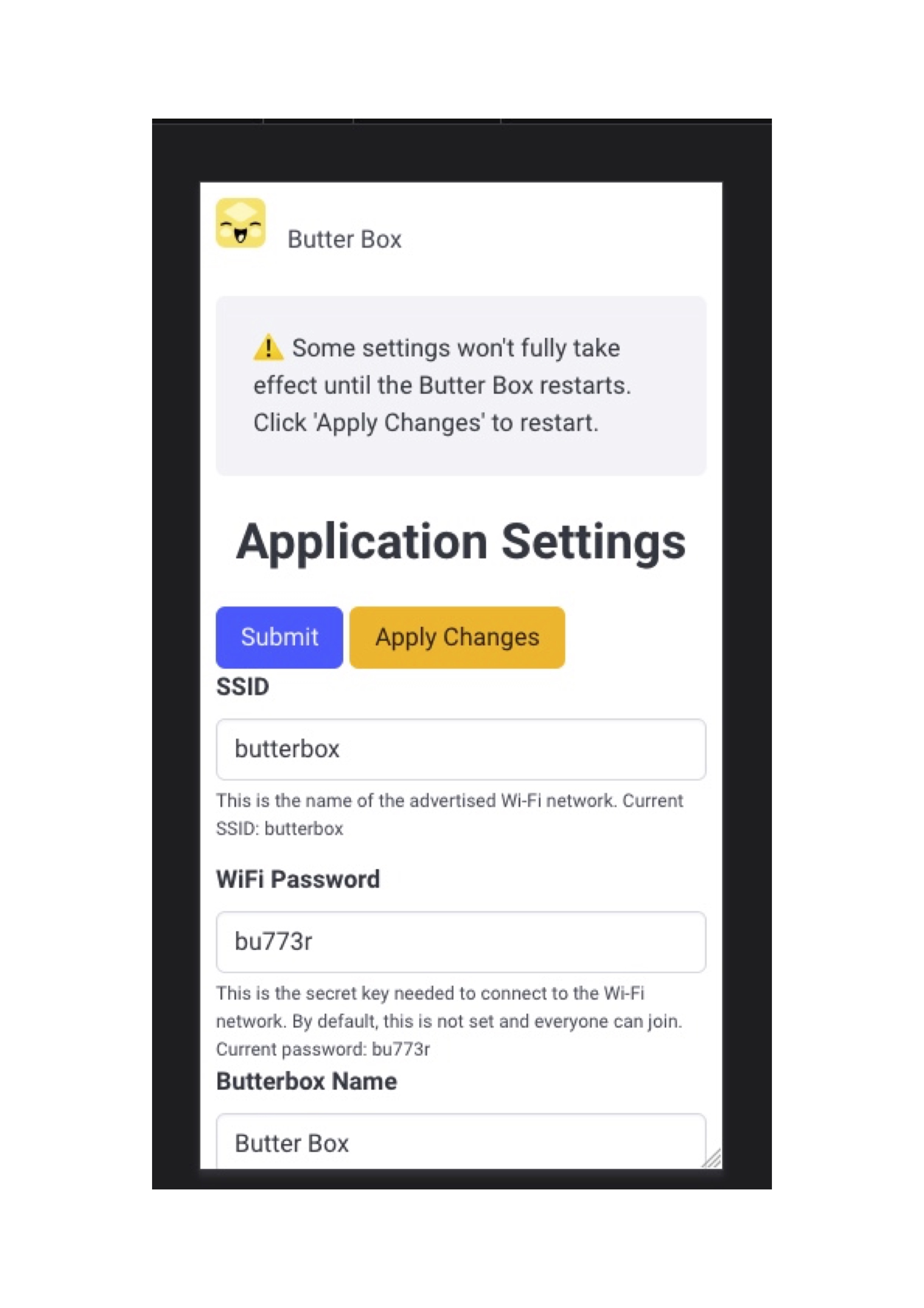
Development
The portal is a standard Flask application. On a device it runs from the
portal_env virtualenv under systemd, but for local development you can run it
directly with the Flask development server.
Requirements
- Python 3.11 or newer (developed against 3.14)
pipandvenv
Setup
git clone ssh://git@guardianproject.dev/butter/butter-portal.git
cd butter-portal

python3 -m venv venv
source venv/bin/activate       # Windows: venv\Scripts\activate

pip install -r requirements.txt
pip install Flask-SQLAlchemy   # imported by app/__init__.py, not yet pinned in requirements.txt
Initialise the database
The app uses a local SQLite database (app.db) managed with
Flask-Migrate. Point Flask at the entry
module, create the schema, then seed default settings and the admin user:
export FLASK_APP=butter-portal.py   # or pass --app butter-portal.py to each command

flask db init       # first time only – creates the migrations/ directory
flask db migrate    # generate a migration from the current models
flask db upgrade    # apply it, creating app.db
flask seed-settings # seed default settings + the admin account
flask seed-settings is idempotent: it only creates settings and the admin user
if they don't already exist. To start over, delete app.db (and the
migrations/ directory) and re-run the steps above.
Run
flask --app butter-portal.py run            # http://127.0.0.1:5000
flask --app butter-portal.py run --debug    # auto-reload + interactive debugger
Log in with the seeded credentials admin / admin.
Useful configuration overrides (see config.py for the full list) are read from
the environment:
export SECRET_KEY="something-random"          # session signing key
export DATABASE_URL="sqlite:///app.db"        # or another SQLAlchemy URL
Testing
There is no automated test suite yet, so testing is currently a manual smoke test:
- Start the server as above and open http://127.0.0.1:5000.
- Log in as
admin/admin. - Walk through onboarding and the settings screens.
Note that change_manager.py (the companion service that applies settings) runs
as root and shells out to sudo for host-level changes such as Wi-Fi and SSH
config. Those actions only work on a real Butter Box; on a development machine
the portal UI runs fine, but applying such changes will fail or be a no-op.
Extracting translation strings
Translatable strings are extracted with Babel using babel.cfg:
pybabel extract -F babel.cfg -o messages.pot .
See the Translations section below for how these are managed on Weblate.
Translations
Snapshot templates support localisation. Translations of strings in the template are managed on Weblate.

Licence & Copyright
© SR2 Communications Limited. See LICENCE for details of the BSD 2-clause licence.